 phundrak
bd4aaff3f3
phundrak
bd4aaff3f3

Refs: #4
4.9 KiB
Table of Contents
jj-cz: Conventional Commits for Jujutsu





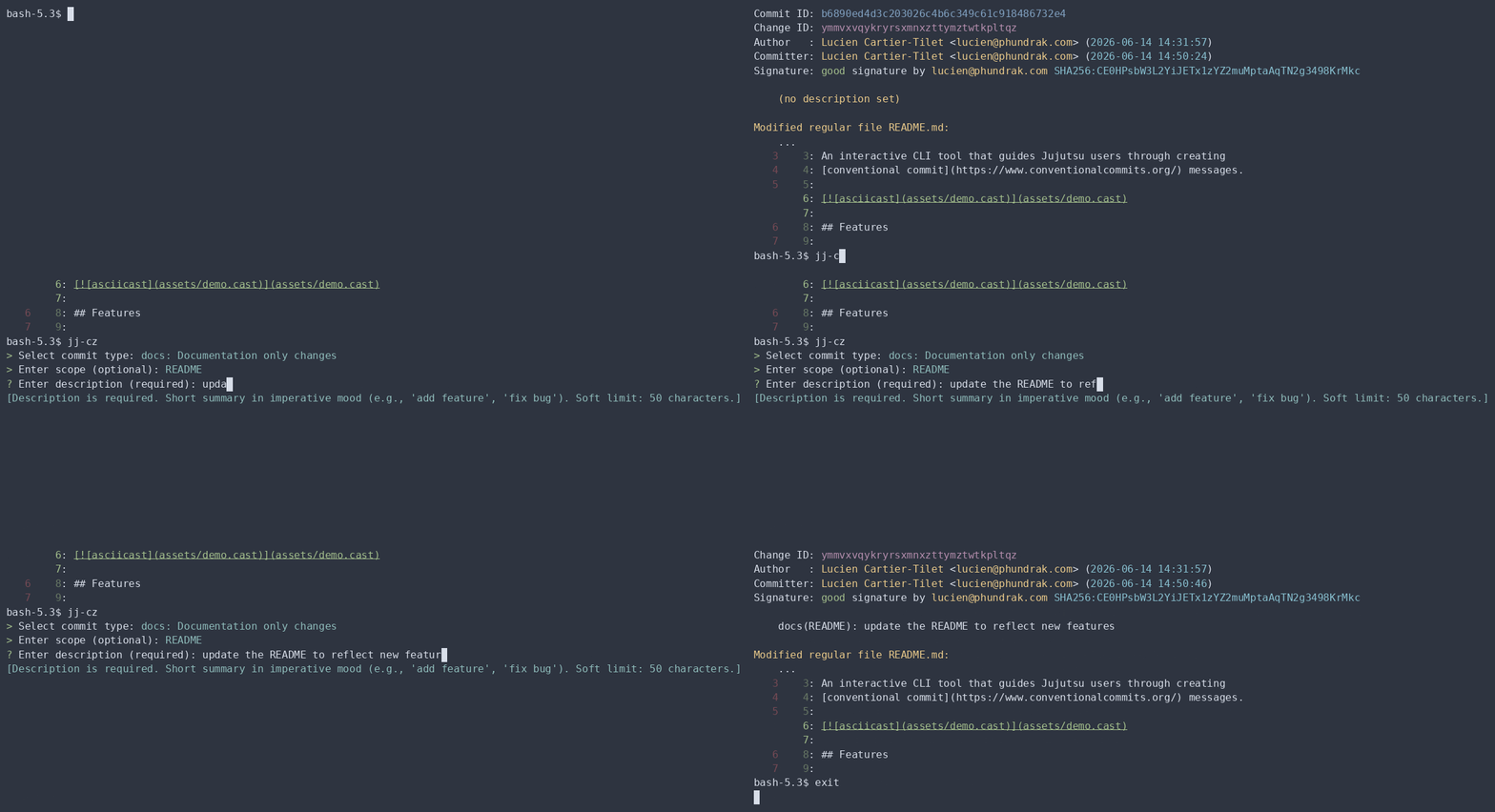
Features
- Interactive prompts for type, scope, breaking changes, ticket references, and description
- All 11 commit types with descriptions (feat, fix, docs, style, refactor, perf, test, build, ci, chore, revert)
- Optional scope with validation
- 72-character first-line limit enforcement
- Preview before applying
- Clean cancellation with Ctrl+C
Usage
No fancy tricks, just run jj-cz.
jj-cz
The tool detects whether you're in a Jujutsu repository, guides you through the commit message, and applies it to your current change.
You can also set the revision message of a few revisions at once, or target a single revision other than the current one.
jj-cz @- xs develop # assuming the revision xs and the bookmark develop exist
No explicit revision is simply the equivalent of jj-cz @, like
jj desc.
If you want to create a new revision after calling jj-cz on a single
revision, you can use the -n or --new flag.
jj-cz -n # equivalent of `jj-cz && jj new`
jj-cz xs -n # equivalent of `jj-cz xs && jj new xs`
jj-cz -n xs # equivalent of `jj-cz xs && jj new xs`
You cannot, however, call jj-cz on multiple revisions with the --new flag active.
Requirements
- A Jujutsu repository
- An interactive terminal
You don’t need jj itself to be installed at all, though I’m not sure
what jj-cz alone would be good for without jj.
Exit Codes
| Code | Meaning |
|---|---|
| 0 | Success or clean cancellation |
| 1 | Error (invalid input, repository issues, jj failure) |
| 130 | Interrupted |
Installation
From crates.io
Simply run the following command:
cargo install jj-cz
Done! jj-cz is now available!
With Nix Flakes
Notice how there’s a flake.nix file? This means you can run the
project using this repository as one of your flakes inputs. In fact,
that’s how I install it in my own NixOS configuration! Add this
repository to your configuration:
{
  inputs = {
    nixpkgs.url = "github:nixos/nixpkgs?ref=nixos-unstable";

    jj-cz = {
      url = "git+https://labs.phundrak.com/phundrak/jj-cz";
      inputs.nixpkgs.follows = "nixpkgs";
    };
  };
}
And tadah! you can now install
inputs.jj-cz.packages.${pkgs.stdenv.hostPlatform.system}.default
among your other packages. Take a look at my
jujutsu.nix
module if you need some inspiration.
From source
You can also install jj-cz with Cargo by building it from source.
Just make sure Rust is available on your machine (duh!).
cargo install --path .
Tips and questions
Running jj cz instead of jj-cz
I do not actually use jj-cz, but jj cz. I just find it more
natural to treat it as its own jj subcommand. To achieve that, you can
simply add an alias to your jujutsu configuration.
[aliases]
cz = ["utils", "exec", "--", "jj-cz"]
$EDITOR and editing the revision’s body message
jj-cz relies on your $EDITOR variable to open a temporary file in
which you’ll write the body of your commit. This body does not include
some footers jj-cz may include by itself, such as the breaking
change footer.
In some cases, you may not notice a new editor open. In this case, check whether you already have an editor open, the file might be there. In my case, if I already have an open Emacsclient, it will open there.
License
This project is licensed under either the MIT or GPL-3.0 licenses, as you prefer.